
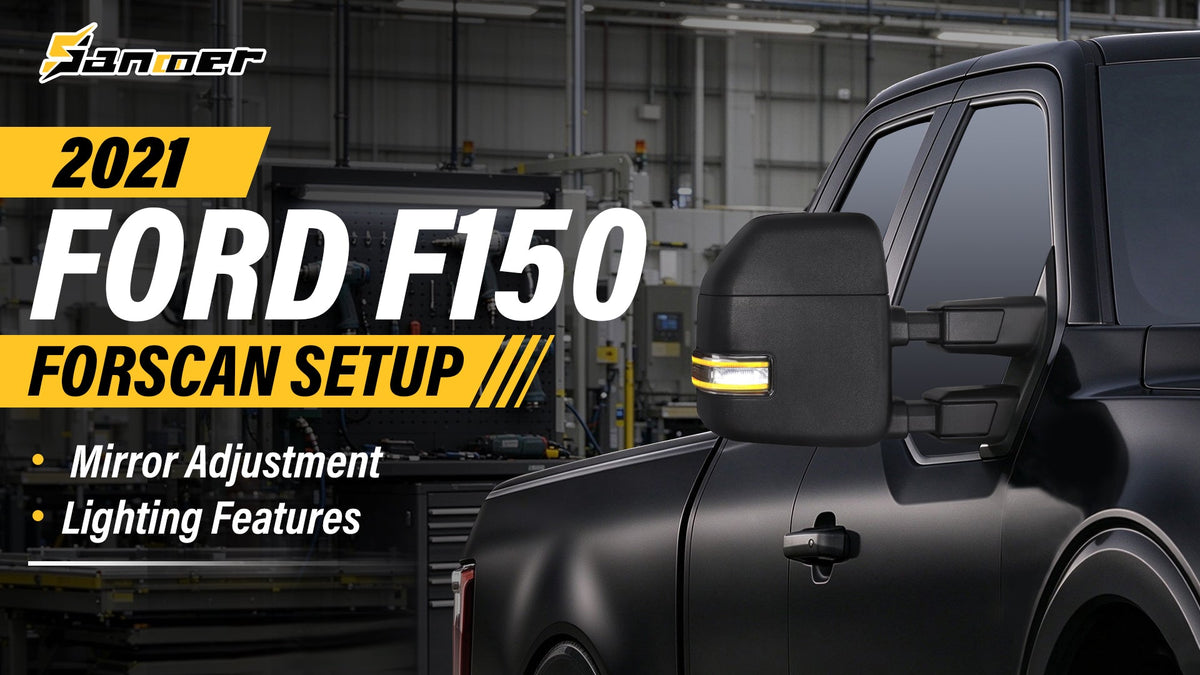
Installed Sanooer tow mirrors on your rig, but the mirror glass won't adjust or the lights won't work? Follow this blog and take a couple minutes out of my day to run you guys through some technical issues you might face when installing Sanooer tow mirrors on your 2021 F-150 and up.
Also show you guys if your truck did not come factory with puddle mirrors, running lights, or turn signal and how to activate all those.
Why Aren't Your New Tow Mirrors Working as Expected?
Upgrading your 2021 Ford F-150 with aftermarket towing mirrors can improve your truck's towing setup, add useful lighting features, and give it a more rugged appearance. But after installing your new Sanooer tow mirrors, you may run into a frustrating problem: the mirror glass won't move when you use the adjustment switch, or some of the mirror lights won't illuminate.
Before assuming that your new mirrors are defective, take a closer look at the installation, wiring connections, and your truck's electronic configuration.
On newer Ford F-150 models, mirror functions depend on more than the mirror assembly itself. The original vehicle configuration, door modules, body control module (BCM), wiring harness, and the features supported by your truck can all affect how an upgraded mirror operates.
In some cases, the issue may be as simple as a loose connector. In others, an additional wiring connection or a compatible FORScan configuration change may be necessary.
This guide walks you through the troubleshooting process step by step, helping you identify the likely cause before making unnecessary changes.
Important: This guide focuses on the 2021 Ford F-150. Configuration options and wiring requirements can vary by model year, trim, original mirror equipment, and replacement mirror version. Always verify compatibility with your specific truck before making electrical or software changes.
Understand the Difference Between Wiring and FORScan Configuration
Before troubleshooting, it helps to understand why some mirror functions work immediately while others may not.
An aftermarket tow mirror can include several functions, such as:
· Power-adjustable mirror glass
· Heated mirror glass
· Turn signal lights
· Running or marker lights
· Puddle lights
· Spotlights
· Blind Spot Information System (BLIS) indicators
Not every mirror includes all these features, and not every F-150 originally supports every function.
When you install a replacement mirror, the result depends on three key factors.
1.1 Mirror hardware and compatibility
The replacement mirror must support the functions you want to use. A mirror that does not include a particular light, sensor, or adjustment mechanism cannot gain that hardware through software configuration alone.
For example, a lighting function may require a specific LED assembly and compatible wiring. Similarly, power-adjustable glass requires the appropriate motors and electrical connections.
1.2 Wiring and electrical connections
Even when the replacement mirror supports a function, the vehicle must provide the appropriate electrical connection.
If your original mirror did not have a particular lighting feature, the corresponding wiring may be absent or may not be connected to the correct circuit. Depending on the feature and vehicle configuration, additional wiring may be needed.
1.3 Vehicle module configuration
Your F-150 uses electronic modules to manage vehicle functions. The door modules and BCM may be involved in different mirror controls and lighting circuits.
If the required hardware and wiring are present but a function remains unavailable, the vehicle's configuration may need to be checked.
This is where FORScan may help.
FORScan is a diagnostic and configuration tool for supported Ford vehicles. Depending on the vehicle and module, it can display diagnostic information and provide access to certain configuration settings. However, available parameters vary, and not every feature can be enabled on every truck.
For more information, visit the official FORScan website and the FORScan module configuration guide.
2. Troubleshooting Mirror Glass Adjustment
Tools & Equipment Needed
· OBDLink EX cable (connects OBD2 port to laptop)
· Laptop (Windows preferred) with the FORScan software installed (extended license required)
A. Mirror Adjustment Troubleshooting
If your mirror adjustments are behaving erratically (e.g., failing to tilt down or move in specific directions), follow these steps:
(1) Connect the OBDLink EX cable to your vehicle and laptop.
(2) Open FORScan and connect to your truck.
(3) Access Configuration and Programming.
 (4) Select Driver Door Module (DDM) and click the play button.
(5) Locate the Mirror Sensor option and disable it.

 (6) Click the play button, locate Mirror Sensor, disable it, and write the change.
 (7) Repeat this exact process for the Passenger Door Module (PDM).
B. Activating Running Lights
To activate the marker lamps on your new tow mirrors:
(1) Go to Module Configuration (As Built) for the Body Control Module (BCM). Then click OK.

 (2) Scroll down to find the block 726-40-01 xxxx-xx01-xx--
 (3) Change the designated value (replacing the last '0' with a '1') to enable the marker lamps.
 (4) Click the Write button to save the changes.
C. Activating Puddle Lights:
(1) In the BCM module configuration, locate block 726-71-02 01xx-xxxx-xx--
(2) Change the second '0' to a '1' to activate the puddle light circuit.
 (3) Write the block to apply the setting.
D. Activating Turn Signals:
(1) Go to DDM (Module Configuration As Built) and Modify block:
740-03-04 xxxx-01xx-xx-- (change 00 to 01)
Go to PDM (Module Configuration As Built) and modify block
741-03-04 xxxx-01xx-xx-- (change 00 to 01)
 (2) Write both modules to enable the turn indicators on the mirrors.
Conclusion: Diagnose and Configure
If your 2021 Ford F-150 new Sanooer tow mirrors have adjustment or lighting issues, you do not necessarily need to replace the mirrors or start changing software settings immediately.
Begin by confirming compatibility, inspecting the connectors, and checking the wiring. If the hardware and electrical connections are correct, use FORScan to investigate supported vehicle configuration options and relevant diagnostic information.
The key is to identify the actual cause before making changes. Not every function can be enabled through software, and the correct procedure depends on your truck's original equipment and the features supported by its electronic modules.
With a systematic approach, you can narrow down the issue, avoid unnecessary modifications, and get the most out of your upgraded towing mirrors.
Still need help with your Sanooer tow mirrors? Contact the support team with your truck's model year, trim, original mirror functions, and photos of the connectors so we can help you identify the appropriate next step.
For other needs, explore Sanooer full catalog of vehicle-specific towing mirrors now! And feel free to check out Sanooer Youtube channel and social media platforms to explore more content that interests you!


Leave a comment
All comments are moderated before being published.
This site is protected by hCaptcha and the hCaptcha Privacy Policy and Terms of Service apply.